9th November 2026
Most of the changes I make to my projects these days come in the form of PRs opened for me by Claude Code or Codex. The PR is my unit of work—I use them to bundle commits together, iterating on them until a feature is complete, document decisions and then merge the finished result. Today’s coding agents are great at writing PR descriptions.
They’re too good at describing the work
The problem is that they are too good. An agent-written PR description is accurate and comprehensive. It describes the problem, the detailed solution, and the steps taken to verify it. That’s a lot of information to absorb.
It’s not necessarily slop, but it reads like slop!
It’s very easy to spot an AI-written PR, and as with other forms of AI writing my instant reaction is best summarized as “I’m not reading all of that”. It doesn’t matter how accurate or useful the information is, I’m instantly put off by the thought that it will take me longer to read than it took the driving author to write... even when that driving author is me!
I want human editorial judgement. I want someone to have thought just long enough about the PR to give me a human-approved introduction that helps me understand, at a high level, what the PR is for and whether it deserves more of my attention.
I think I’ve found a low-effort way to do this that feels right.
Hide most of it in a details/summary
The HTML <details><summary> elements render as a collapsed heading (the summary) that can be expanded to view the larger piece of text. The code looks like this:
<details>
<summary>Claude Opus 5.5</summary>
<h2>The hook</h2>
Plugins implement <code>register_agent_reference_types(datasette)</code>...
</details>
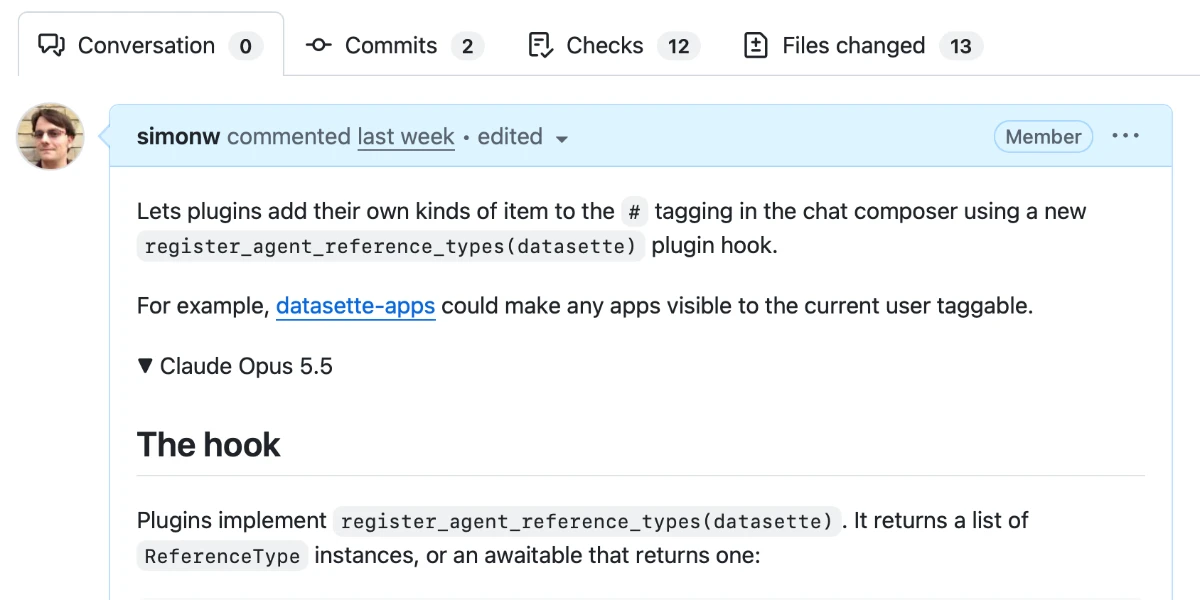
When rendered, it looks like this:
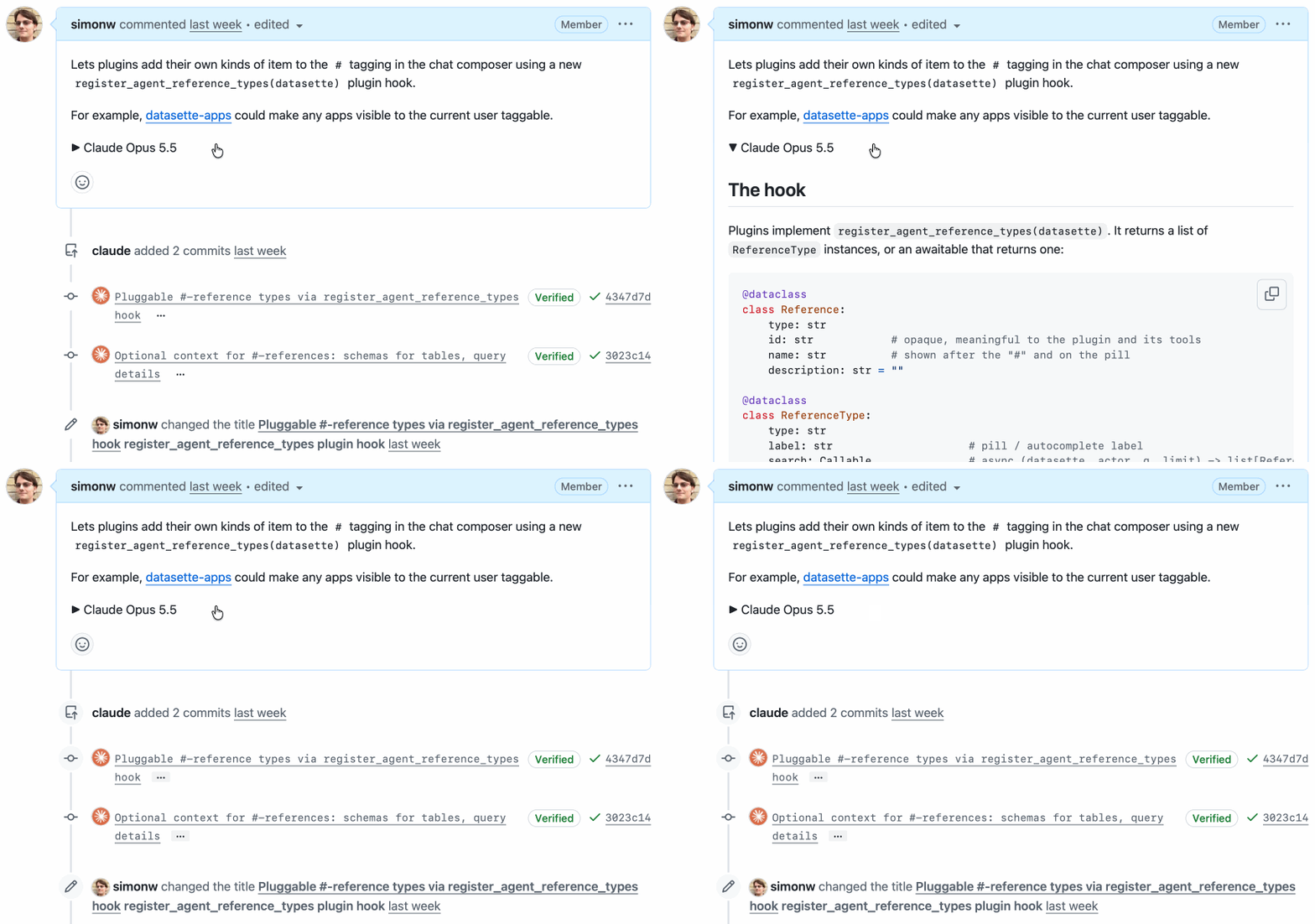
Crucially, <details><summary> is supported in GitHub Markdown. You can drop those tags directly into an issue comment or PR description and GitHub will hide the details and display just the summary plus an expansion arrow.
I’ve started using this for my AI-generated pull requests.
The opening paragraph of my PRs will be carefully selected to act as a high-level explanation of what’s going on—the shortest text a human can read that will help get them up to speed.
I’ll sometimes throw in a screenshot as well, since images are often the best way to quickly illustrate a new feature.
The full agent-written essay then follows in a <details><summary>. I use the model name and often the effort level as that summary, to make it abundantly clear what is going on—“Claude Opus 5.5 Medium” for example.
My PRs don’t feel nearly as sloppy now! The information is all still there, but a reader can glance at it and get the top, human-curated information without their eyes glazing over at multiple paragraphs of agent-written details.
I don’t always write the introduction myself—sometimes the agent has given me what I need already, hidden away in the avalanche of other text. My promise to the reader is that the short opener will represent my human judgement as to what is definitely worth their time.
Here are some recent examples where I’ve used this pattern, including the opener I used:
The mnemonic
I used to have trouble remembering the order of the tags—is it <details><summary> or <summary><details>?
Here are two tricks that helped me.
First, and most obviously, the <summary> is clearly the bit where you summarize the details. That’s the tag for your line of text that can be clicked to expand—the <details> element must then wrap everything else.
An even better trick is to always refer to these two tags as “details-summary”.
“details-summary” is two syllables followed by three syllables. That rolls off the tongue more smoothly than the three-two punch of “summary-details”.
Say “details-summary” out loud just a few times and you’ll never forget the order of the tags again.
(I still wish GitHub would add a button to their Markdown editor for this—partly to save me painstakingly typing it on my mobile keyboard, and partly to help spread the word to more GitHub users that this feature exists.)
原文版权归 Simon Willison 及原作者所有,本站转载仅供阅读。如需删除,请联系 support@aisa.one。

 Studio