2026年11月23日
|
通过安全选择加入,将 Google Wallet、Drive 和 Gemini 应用连接到 AI Mode 中的 Personal Intelligence,以获取更有用的搜索回复。
您的浏览器不支持音频元素。
收听文章
[[duration]] 分钟
此内容由 Google AI 生成。生成式 AI 处于实验阶段
最有用的搜索体验将世界信息的丰富性与对您独特相关的见解相结合。今天,Search 变得更加个性化,能够将更多的应用连接到 Personal Intelligence——并且我们推出了更多个人相关的回复,让您更容易找到所需的内容。
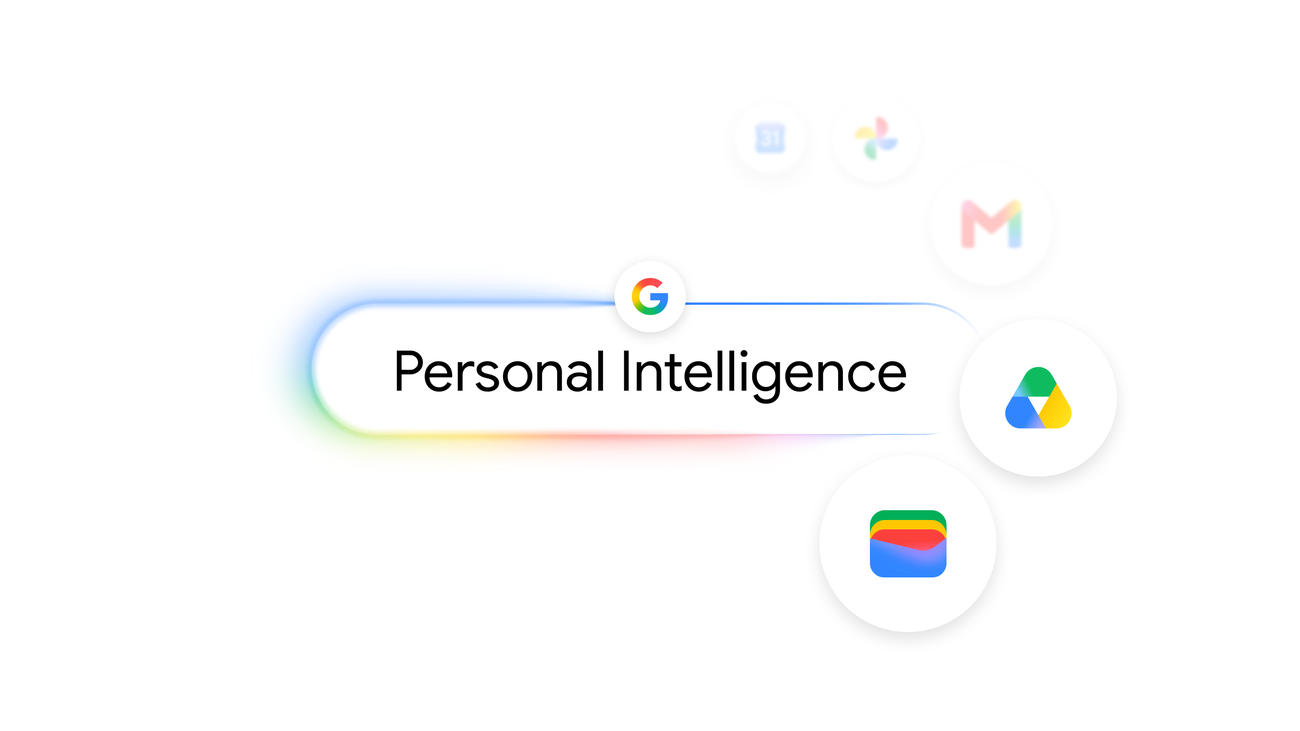
从今天开始逐步推出,您可以选择安全地将 Google Wallet 连接到 AI Mode 中的 Personal Intelligence,并在未来几周内支持连接 Drive 和 Gemini 应用——将您的消费、文档和聊天上下文直接带给 Search。这些应用加入了 Gmail、Calendar 和 Photos,为您的个人上下文提供更个性化的回复。
- 使用 Google Wallet 更清晰地了解您的支出: 通过将 Google Wallet 连接到 AI Mode 和 Gemini 应用 中的 Personal Intelligence,您可以规划财务里程碑并识别削减日常支出的可行方法。您还可以根据通过 Wallet 链接的卡片最大化信用卡福利——例如优化现金返还类别、旅行优惠和奖励积分。如果您选择连接 Wallet,AI Mode 只能读取您账户中的信息;它不能移动、管理或投资您的资金。
- 使用 Google Drive 保持流畅的工作流程: 有时,启动项目或做出重大决策所需的重要信息可能分散在您的文档、表格或 PDF 中。通过 Personal Intelligence 连接 Google Drive,您可以获得独特的有用回复,考虑到所有这些上下文并帮助您开始工作,例如在纳税季节之前制定个性化的准备计划。
- 连接 Gemini 应用和 Search 之间的关联: 在未来几周内,您可以轻松地在 Gemini 应用和 Search 中的 AI Mode 之间共享上下文。因此,如果您在 Gemini 应用中探索一个想法,AI Mode 将拥有可以在此基础上构建的基础,反之亦然。虽然您已经可以选择将 Search 历史记录 连接到 Gemini 应用中的 Personal Intelligence,但很快您也可以选择在 AI Mode 中将 Gemini 应用安全地连接到 Personal Intelligence。
要将您的应用连接到 AI Mode 中的 Personal Intelligence,请打开 Search 个性化设置,选择已连接的应用,然后选择您 想要连接的应用。您可以选择何时选择加入,并且可以随时开启或关闭这些连接。您始终掌控个性化设置,并且很快您还可以通过在任意个性化回复下方的“个性化”图标查看 AI Mode 使用的上下文。如果您想编辑任何内容,只需告诉 AI Mode 需要更改什么,例如在线程中回复“我不再是素食主义者”。
您还将开始在 AI Overviews 和 AI Mode 中看到更多个人相关的回复,根据您的最近搜索上下文进行定制。因此,如果您一直在研究和规划一次旅行,您可以在新的搜索线程中继续之前的工作,而无需重新开始或重复自己。与往常一样,您可以随时在 Search 设置中调整或 关闭个性化。
在您的收件箱中获取 Google 的最新新闻
注册我们的通讯,获取产品更新、活动信息、特别优惠等。
您的信息将按照 Google 的隐私政策 使用。您可以随时退出。
关于作者

Robby Stein
Google Search 产品副总裁
Robby Stein 是 Google Search 的产品副总裁,致力于开发生成式 AI 产品和体验,帮助人们轻松搜索和访问信息。
阅读 Robby Stein 的更多内容
查看原文
Nov 23, 2026
|
Get more helpful Search responses by securely opting in to connect Google Wallet, Drive, and the Gemini app to Personal Intelligence in AI Mode.
Your browser does not support the audio element.
Listen to article
[[duration]] minutes
This content is generated by Google AI. Generative AI is experimental
The most helpful search experience brings together the richness of the world’s information with insights uniquely relevant to you. Today, Search is getting even more tailored with the ability to connect more of your apps to Personal Intelligence — and we're introducing more personally relevant responses, so it's easier to find just what you need.
Starting to roll out today, you can opt in to securely connect Google Wallet to Personal Intelligence in AI Mode, with support for Drive and the Gemini app following in the coming weeks — bringing context from your spending, documents, and chats directly to Search. These apps join Gmail, Calendar, and Photos in delivering even more tailored responses with your personal context.
- Get a clearer picture of your spending with Google Wallet: By connecting Google Wallet to Personal Intelligence in both AI Mode and the Gemini app, you can map out your financial milestones and identify actionable ways to trim everyday spending. You can also maximize credit card benefits — like optimizing cash-back categories, travel perks, and reward points — based on your cards linked via Wallet. If you choose to connect your Wallet, AI Mode can only read information from your accounts; it can’t move, manage, or invest your money.
- Stay in your flow with Google Drive: Sometimes the important information that you need to get started on a project or make a big decision can be scattered across your docs, sheets, or PDFs. With Google Drive connected in Personal Intelligence, you can get uniquely helpful responses that take all of that context into account and help you get started, like a personalized preparation plan ahead of tax season.
- Connect the dots between the Gemini app and Search: In the coming weeks you can easily share context across the Gemini app and AI Mode in Search. So if you explore an idea in the Gemini app, AI Mode will have that foundation to build on, and vice versa. While you could already opt in to connect your Search history to Personal Intelligence in the Gemini app, soon you can also opt in to securely connect your Gemini app to Personal Intelligence in AI Mode.
To connect your apps to Personal Intelligence in AI Mode, open Search Personalization, select Connected Apps, and then choose the apps you want to connect. You choose if and when you opt in, and you can turn those connections on or off at any time. You’re always in control of your personalization settings, and soon you’ll also be able to view the context AI Mode uses via the “Personalization” icon below any tailored response. If you want to edit anything simply let AI Mode know what to change, like responding in thread “I’m no longer a vegetarian.”
You’ll also start seeing more personally relevant responses in AI Overviews and AI Mode, tailored to your recent search context. So if you’ve been researching and planning for a trip, you can pick up right where you left off in a new search thread without starting over or repeating yourself. As always, you can adjust or turn off personalization at any time in your Search Settings.
Get the latest news from Google in your inbox
Sign up for our newsletters with product updates, event information, special offers, and more.
Your information will be used in accordance with Google's privacy policy. You may opt out at any time.
About the Author

Robby Stein
VP of Product, Google Search
Robby Stein is Vice President of Product, Google Search, working on the development of generative AI products and experiences that help people search and access information effortlessly.
Read more from Robby Stein
原文版权归 Google · AI 及原作者所有,本站转载仅供阅读。如需删除,请联系 support@aisa.one。